10
February
2026
UI/UX Trends in Mobile Apps 2026: A Strategic Guide for Startups, SMEs & Enterprises
Features are not the primary focus of mobile app competition in 2026.
The main thing will be getting the experience right.
If your app does not feel competent, fast, and easy, users will remove your application no matter how strong your backend is.
AI-driven customisation, performance optimisation, accessibility, adaptive interfaces, and advanced design systems are the main UI/UX trends in mobile apps for 2026.
Understanding current trends in mobile app design is now crucial for any business, be it a startup creating its MVP, an SME expanding digitally, or an enterprise updating its outdated infrastructure.
It’s a calculated move.
Why UI/UX Will Define Mobile App Success in 2026
The requirements of users have changed worldwide.
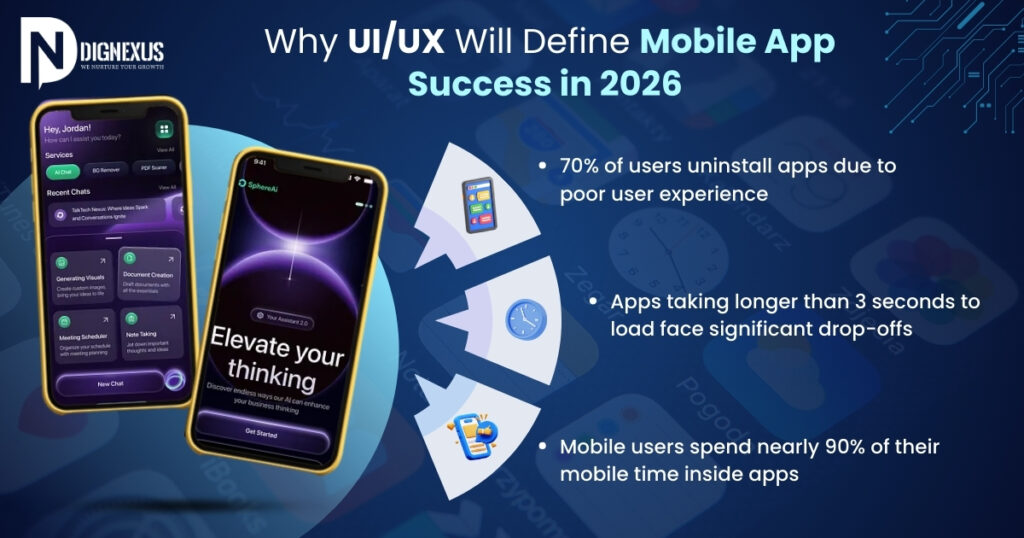
- 70% of users uninstall apps due to poor user experience
- Apps taking longer than 3 seconds to load face significant drop-offs
- Mobile users spend nearly 90% of their mobile time inside apps
UI/UX in 2026 is closely related to:
| Icon | Icon | Icon | Icon | Icon |
| User retention | Conversion rates | Operational efficiency | Brand trust | Revenue growth |
Visual creativity alone cannot be enough to influence mobile app design in the future; performance and intelligence will be important aspects.
What Are the Top UI/UX Trends in Mobile Apps 2026?
The following are the key trends in 2026 for mobile app design:
| AI-powered personalisation | Hyper-minimalist interfaces | Voice & gesture navigation | Micro-interactions & emotional design | Performance-first UX |
| Cross-platform consistency | Ethical UX & data transparency | Enterprise design systems | AR-enhanced interfaces |
Let’s discuss about it.
AI-Powered Personalisation in Mobile App Design
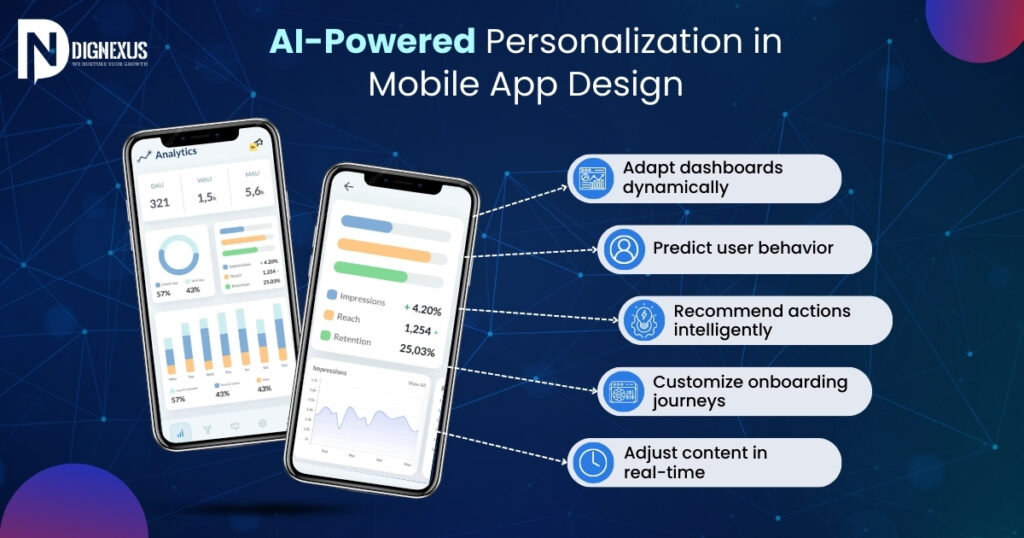
In 2026, AI is transforming UX.
Modern apps now:
- Adapt dashboards dynamically
- Predict user behaviour
- Recommend actions intelligently
- Customise onboarding journeys
- Adjust content in real-time
| For Startups | For SMEs | For Enterprises |
| Begin with behavioural tracking and smart onboarding personalisation. | Integrate recommendation engines and customer segmentation-based experiences. | Connect AI personalisation to CRM, ERP, and analytics systems for enterprise-wide intelligence. |
Hyper-Minimalist, Frictionless Interfaces
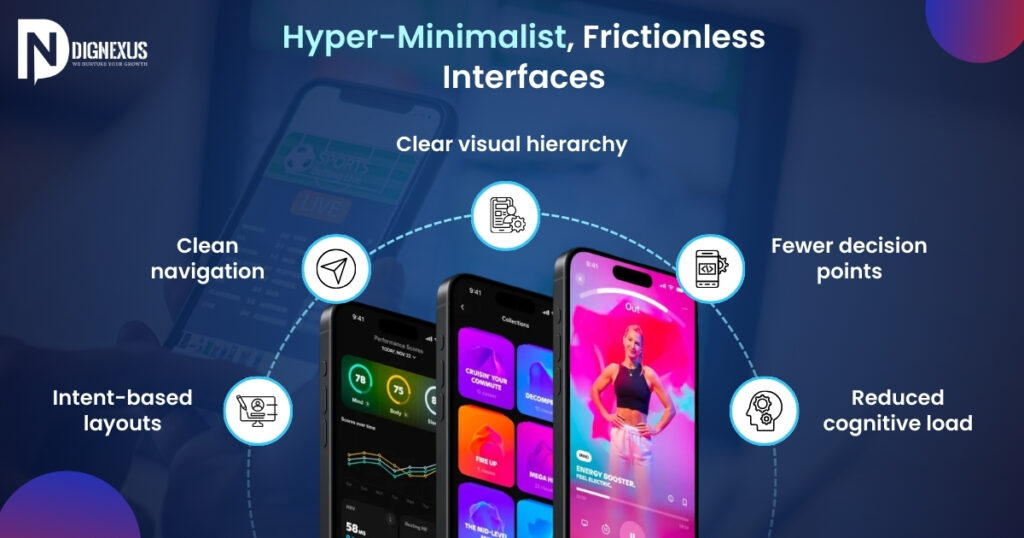
The definition of minimalism is changing.
In 2026, effective mobile UI trends focus on:
- Clear visual hierarchy
- Fewer decision points
- Reduced cognitive load
- Clean navigation
- Intent-based layouts
Users prefer clarity over complexity.
Businesses generally gain from simplified dashboards that increase worker productivity and minimise training time.
Voice & Gesture-Based Navigation
Voice navigation within apps continues to grow significantly across all sectors.
Industries accepting early:
- Healthcare
- Logistics
- Smart devices
- Field operations
- Accessibility-focused platforms
Voice UX improves:
- Speed of task execution
- Accessibility compliance
- Hands-free workflow efficiency
This is especially beneficial in enterprises and industrial settings.
Micro-Interactions That Increase Engagement
Micro-interactions lower uncertainty and increase emotional involvement.
Examples include:
- Smart loading indicators
- Haptic feedback
- Animated confirmations
- Progress tracking visuals
These minor aspects greatly boost trust and perceived performance.
Performance-Driven UX (Speed Is Experience)
One of the most prominent UX trends for mobile apps in 2026 is a performance-first design.
Modern UX includes:
- Lightweight assets
- Optimised API calls
- Smart caching
- Offline functionality
- Backend scalability
Users will stop using your app if it is visually appealing but technically poor.
Performance is equivalent to retention.
Ethical UX & Data Transparency
Ethical UX design is becoming a necessity with increasing privacy awareness all across the world.
Apps must:
- Clearly communicate data usage
- Avoid manipulative dark patterns
- Provide transparent consent flows
- Support GDPR and compliance standards
Compliance-ready design has become necessary for business mobile app UX.
Enterprise-Grade Design Systems
Centralised design systems are being implemented by large enterprises to guarantee:
- Brand consistency
- Faster development cycles
- Lower maintenance cost
- Better cross-team collaboration
Spending money on a structured design system increases scalability if your business has over fifty internal users or multiple divisions.
Cross-Platform Consistency
Users continuously switch between devices.
Your experience must remain seamless across:
Inconsistent design raises friction and decreases trust.
UI/UX Strategy by Business Stage
🚀 For Startups
2025: Build clean, validated MVP
Early 2026: Add personalisation & engagement tools
Late 2026: Optimise performance & analytics
🏢 For SMEs
2025: Redesign outdated UI
2026: Improve automation & user engagement
Ongoing: Focus on retention metrics
🏛 For Enterprises
2025: Conduct UX audit
2026: Implement design system & AI integration
2026–2027: Modernise legacy infrastructure
ROI of Modern UI/UX in 2026
Advanced mobile UX investment can bring:
- 20–40% increase in user retention
- 15–30% improvement in conversion rates
- Reduced operational errors
- Improved workforce efficiency
- Higher lifetime customer value
UI/UX is not a source of expenses.
Cost of Implementing Modern UI/UX in 2026
Investment varies by scale:
- Startup MVP UX: $3,000–$10,000
- SME app redesign: $10,000–$30,000
- Enterprise UX transformation: $30,000+ depending on system complexity
Keep in mind that poor UX results in considerably higher rebuild costs.
Is Your App Ready for 2026? (Quick Audit Checklist)
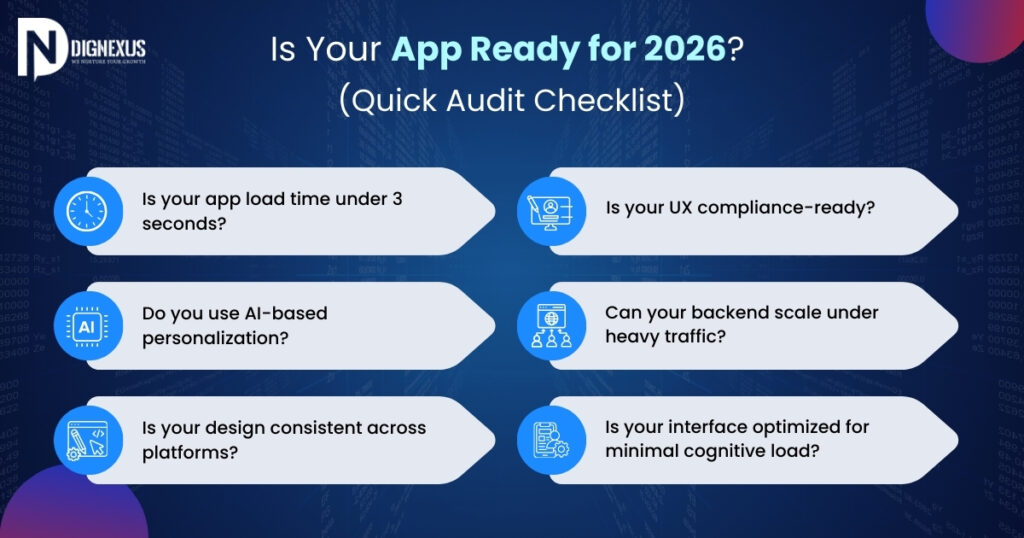
- Is your app load time under 3 seconds?
- Do you use AI-based personalisation?
- Is your design consistent across platforms?
- Is your UX compliance-ready?
- Can your backend scale under heavy traffic?
- Is your interface optimised for minimal cognitive load?
If you found yourself saying “no” more than once, it may be a sign that your app is due for an upgrade.
And if you’re thinking about building a new mobile app or improving an existing one, this is the right moment to step back, reassess your approach, and shape it around design standards that are built to last.
Ready to Future-Proof Your Mobile App?
Book a UI/UX strategy consultation and get a clear, step-by-step roadmap designed specifically for your current business stage and growth goals.
FAQ
Q: What is the most important UI/UX trends in mobile apps for 2026?
A: The most important trends include AI-powered personalisation, performance-driven UX, minimal interfaces, ethical data transparency, voice navigation, and enterprise design systems.
Q: How often should mobile app UI/UX be updated?
A: Minor updates should occur every 6–12 months, while major structural redesigns are recommended every 2–3 years.
Q: Is AI-based personalisation necessary in 2026?
A: While not mandatory, AI personalisation significantly improves engagement, retention, and competitive positioning.
Q: How much should businesses invest in mobile app UI/UX?
A: Typically, 20–30% of total development budget should be allocated to UI/UX, especially for enterprise-scale applications.
Q: What is the difference between startup UX and enterprise UX?
A: Startup UX focuses on growth and engagement speed, while enterprise UX emphasises scalability, compliance, integration, and workflow efficiency.
POST SLIDER



We are experienced professionals who understand that It services is changing, and are true partners who care about your future business success.
Our Location
- Maclean House, 4th Floor, 4E, EN 13, Salt Lake, Sector V, 700096 ( Near Webel More)
Quick Contact
- Email: [email protected]
- Support: +91 99031 11057
Opening Hours
- Monday - Saturday
- 10:00 am to 7:00 pm